Is my Data and Files private?▶
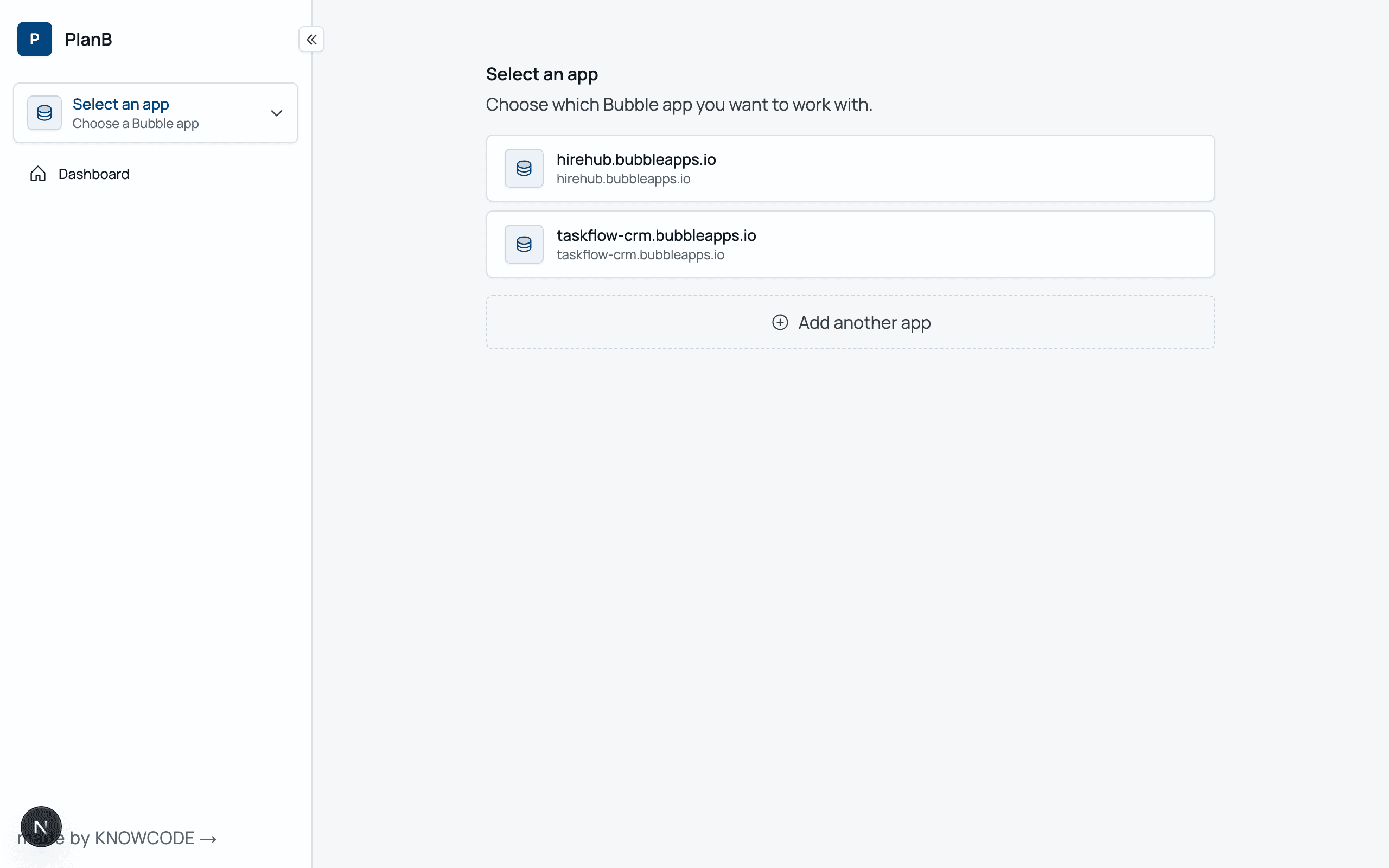
Yes. Files & Data is stored in private, secure, encrypted AWS Buckets. Files can only be downloaded with secure signed, time-limited URLs that can only be issued to authenticated users. Your Files and Data backups are not stored in Bubble. For Enterprise customers, optionally have the files stored in your own private AWS Bucket.
How is PlanB hosted and secured?▶
PlanB is hosted on Amazon Web Services infrastructure and uses Supabase for managed database services, both of which maintain SOC 2 Type II and ISO 27001-aligned control environments. Data is encrypted in transit (TLS 1.2+) and at rest (AES-256), and access is governed through least-privilege IAM policies and application-level controls. System activity is logged for auditability, and services run in isolated, containerised environments to reduce attack surface.
How does it work?▶
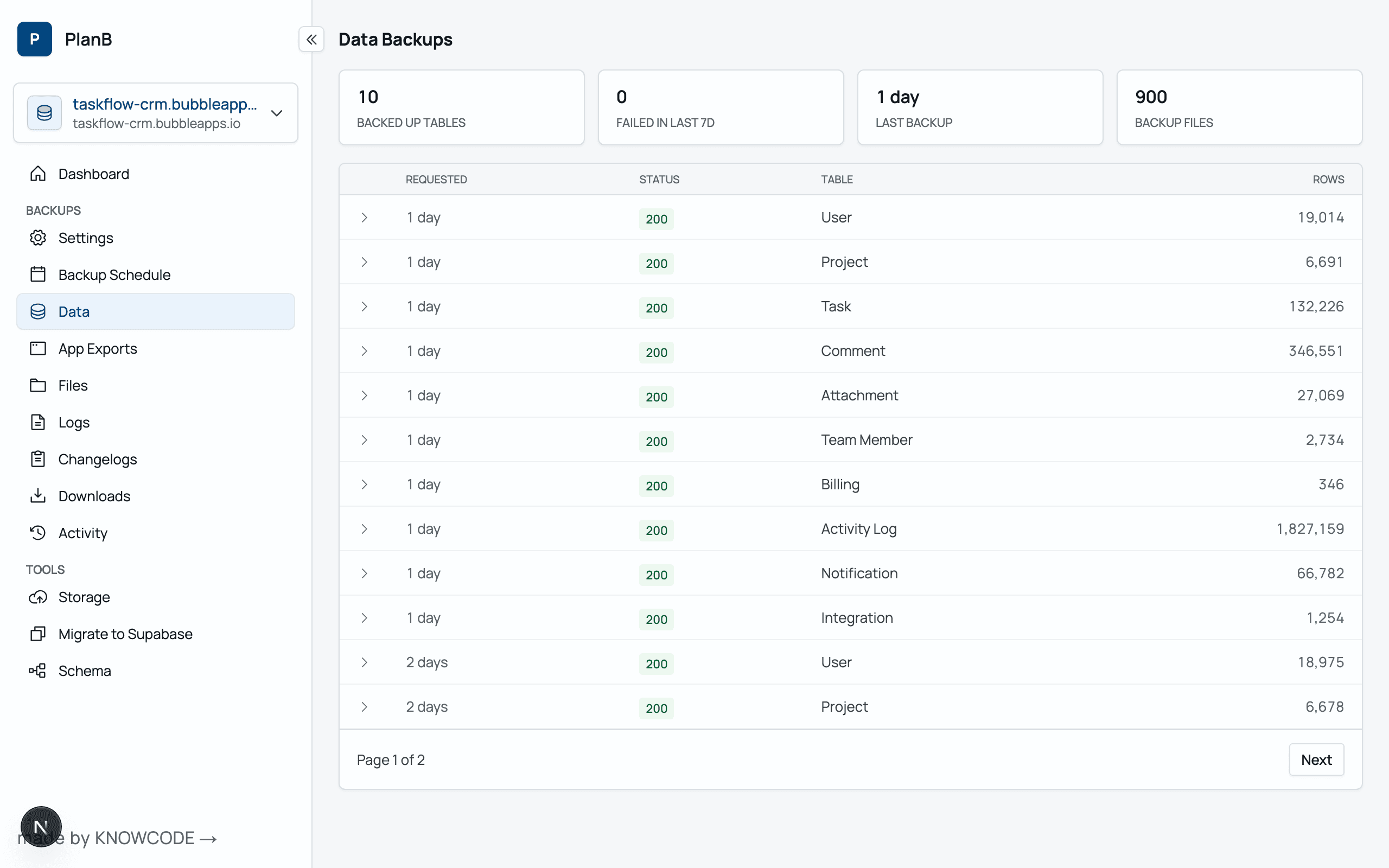
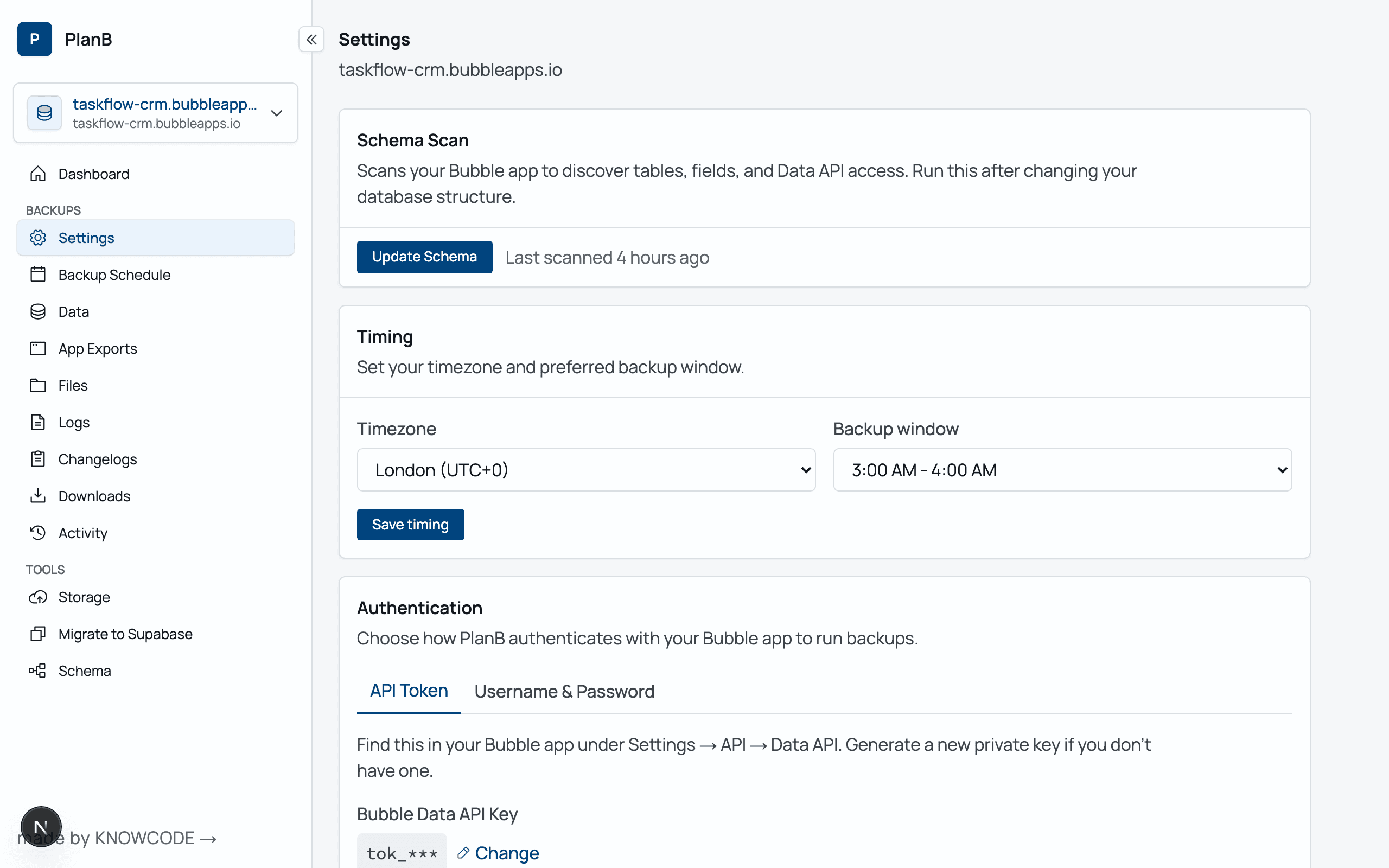
For Application Exports, Log Exports and File Manager downloads — the service logs into your app as an application collaborator — with minimal read-only permissions to your App. For Data — you choose how to connect: either PlanB connects to your Data API, or it simply logs in to your app with a username and password and reads the data that user can see (great when the Data API is off). Either way, per your schedule it pulls all the table data and saves it as CSV files into AWS, ready to download whenever you need to import them back into Bubble.
Where are my backups stored?▶
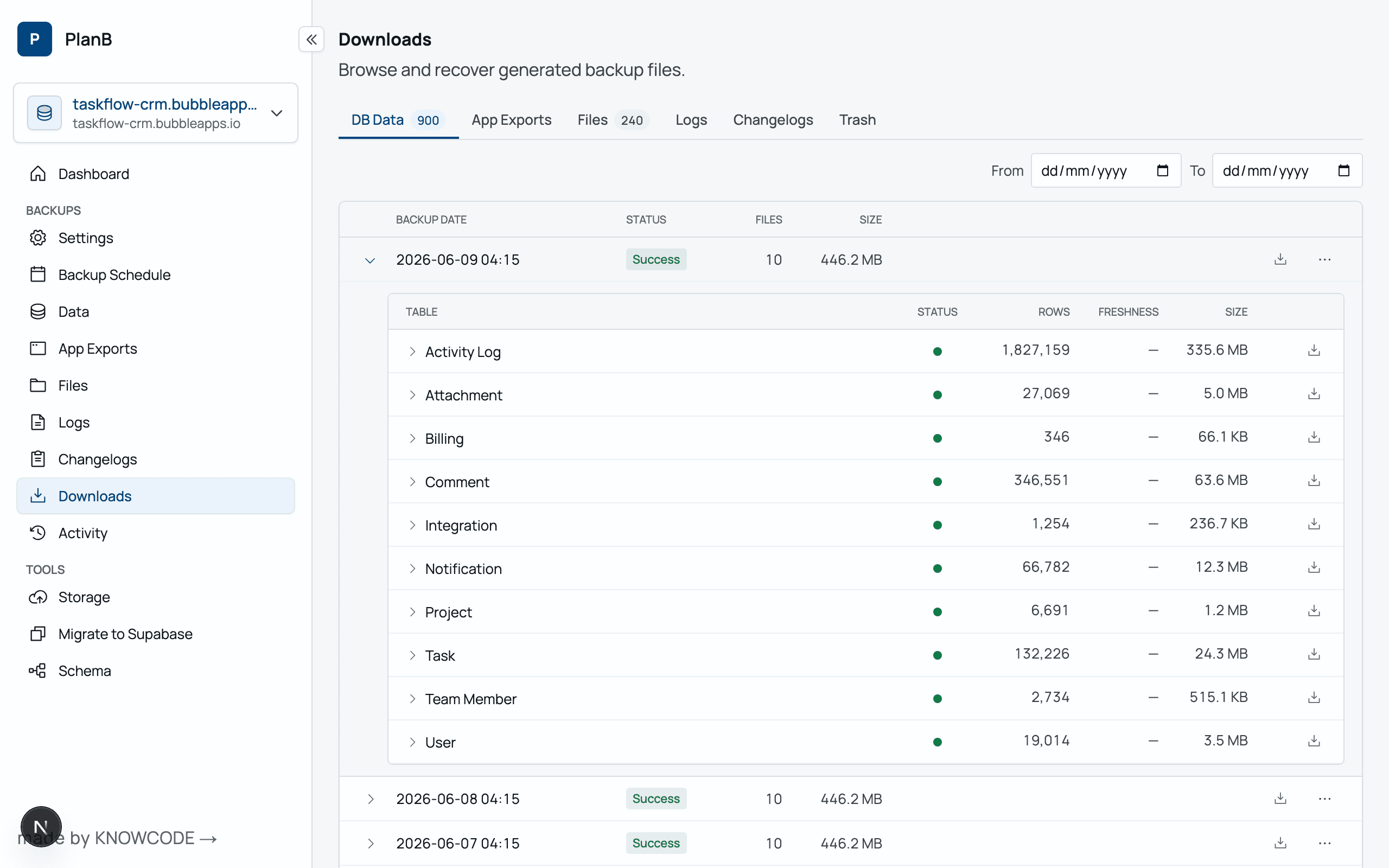
Everything is hosted and stored within AWS — in your preferred Region — US or EU — outside of Bubble. Backups are encrypted. Download URLs are signed and time limited to a private AWS S3 Bucket. If you need storage in another region (eg DE) — it's possible — get in touch.
How frequently and for how long can I store my backups?▶
That's up to you. Whatever makes sense for your data. If there was a disaster and your Bubble database was lost, what would be acceptable data loss?
Can I have the backups stored in my own AWS Bucket?▶
Yes — it is possible to use your own AWS Bucket. It requires some AWS setup to allow Plan B to write and read from your Bucket.
When are backups taken?▶
We schedule backups to occur outside your normal working hours eg 3am your local time. You can specify what 'local time' (ie timezone) means for your app.
What happens when Bubble goes down — can I still access my backups?▶
PlanB itself runs entirely outside Bubble — the app, signup, dashboard, and your backup files are all hosted on AWS and Supabase. So if Bubble is down, you can still log in to PlanB and access every backup we've taken. To restore those backups while Bubble is unavailable, you have a few options — easiest is I copy your Backups to your own AWS S3 Bucket (you set that up and give me Write permissions to it), or I use cyberduck.io to copy to your Bucket of choice. Signed download URLs are also available. You also receive a daily email listing all your file backups, so you always know what's available.
What are the limitations?▶
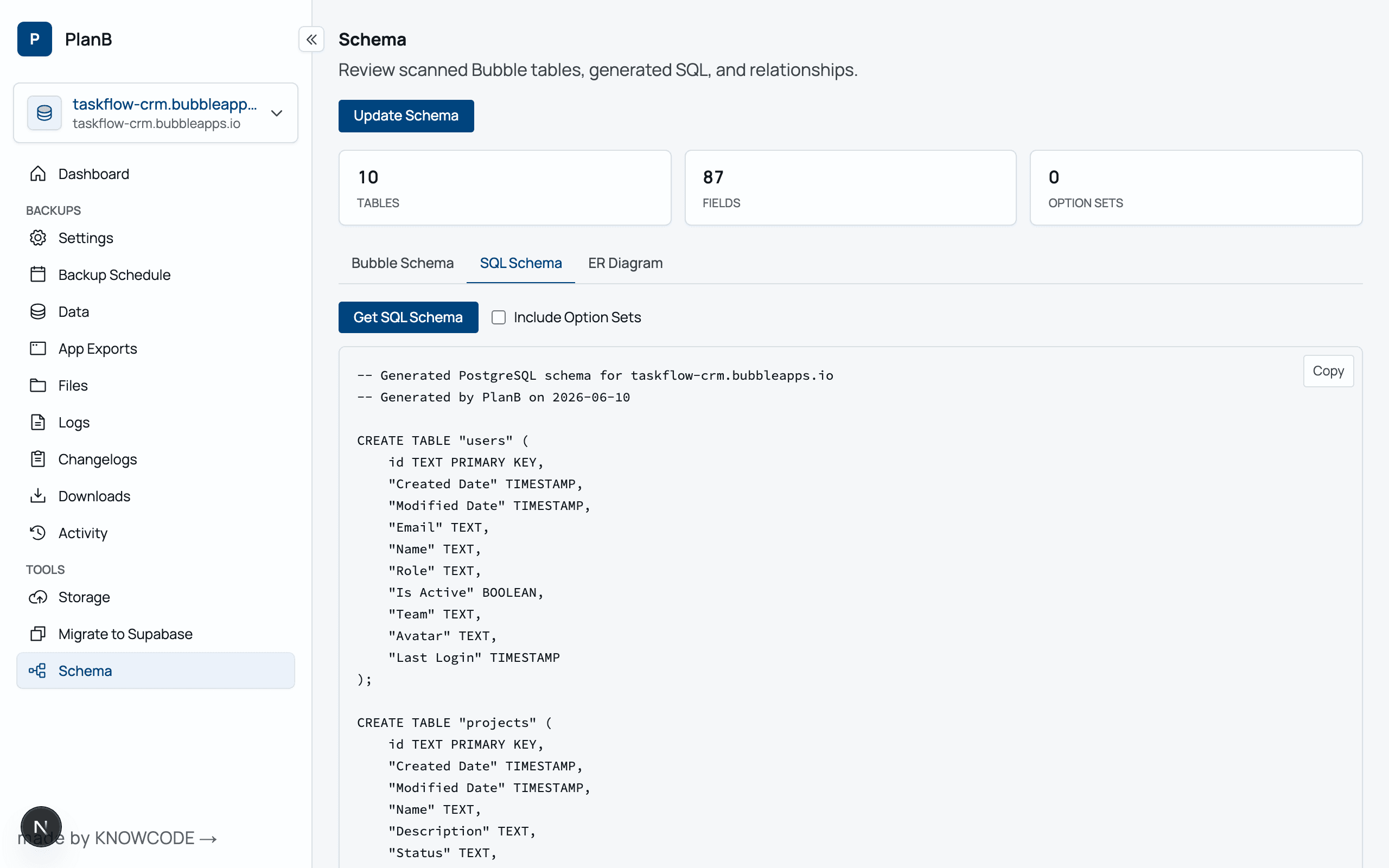
Plan B Trial accounts are limited to up to 50,000 rows. Professional Plan B accounts are limited to 1,000,000 rows. Over 1 million rows is enabled by request. Large tables use your apps WU. Plan B's method of using the API to extract your data for backups is Bubble's recommended approach. The Data API is only available on Bubble Paid plans — so you can't back up free Bubble apps. (You can still use the service to get nice reports of your DB schema though.)
Automatic daily export of your Bubble application▶
Add
[email protected] as a collaborator to your app with minimum read-only permissions. Then as a collaborator, PlanB will automatically take and store an export of your application export file with your Data backups. It's rare but it does happen that you need to recover from a version — and your Bubble backup retention days have passed. Keep a backup of your Application export — for a year. Just in case.
Do I need the Data API? (Username & Password backups)▶
No — you don't have to use the Data API at all. With Username & Password, PlanB logs in to your app as one of your users and backs up exactly the data that user is allowed to see, so Bubble's Privacy Rules decide what gets backed up. That means you can: back up apps with the Data API switched off, exclude sensitive or archived data, manage your WU, and only back up certain customers' data. In a SaaS app, your customers can even set up their own private offsite backups of just their own data. You just give PlanB your app's login page URL and the email & password of a backup user — no backend workflow to build.
WU usage and large tables▶
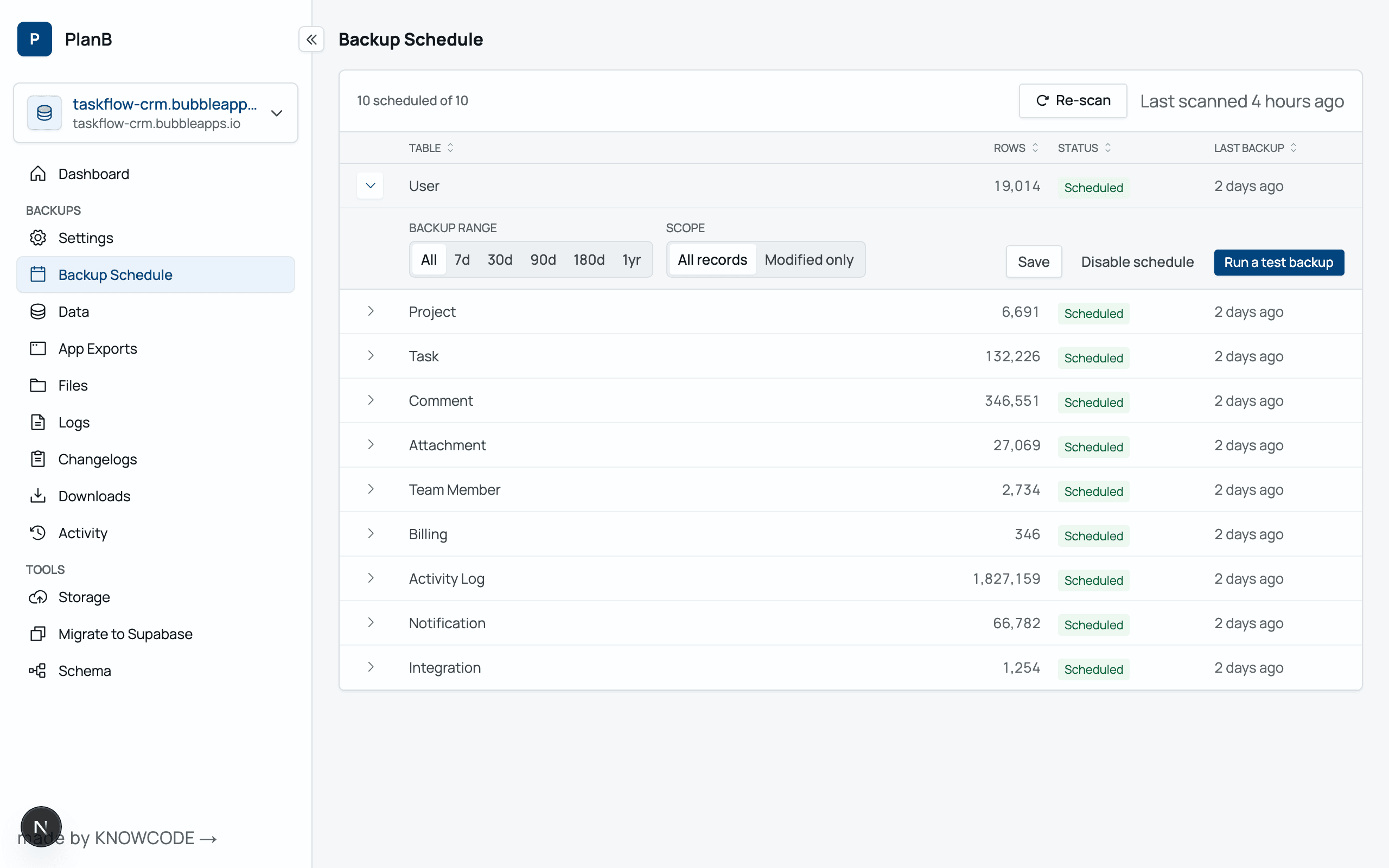
If you have 1 million rows — we will back up 1 million rows. This could materially impact your Workflow Usage, ie bring additional overage WU costs to your Bubble monthly bill. For example — a table of 210,000 rows, with ~40 columns consumes 5,800 WU daily. Consider carefully if you really need to backup unchanging tables daily. To manage your WU usage, you have two options: You can filter the backup to be just the last 30, 60, 90, 180 days of data. And you can then filter to include only new or modified rows in that period.
Why? What are the limitations with Bubble's built-in backups?▶
You have only 2 or 14 days of retention for Personal and Professional plans. After 3 or 15 days — your data recovery options are probably zero.
What about migrating from Bubble to another database?▶
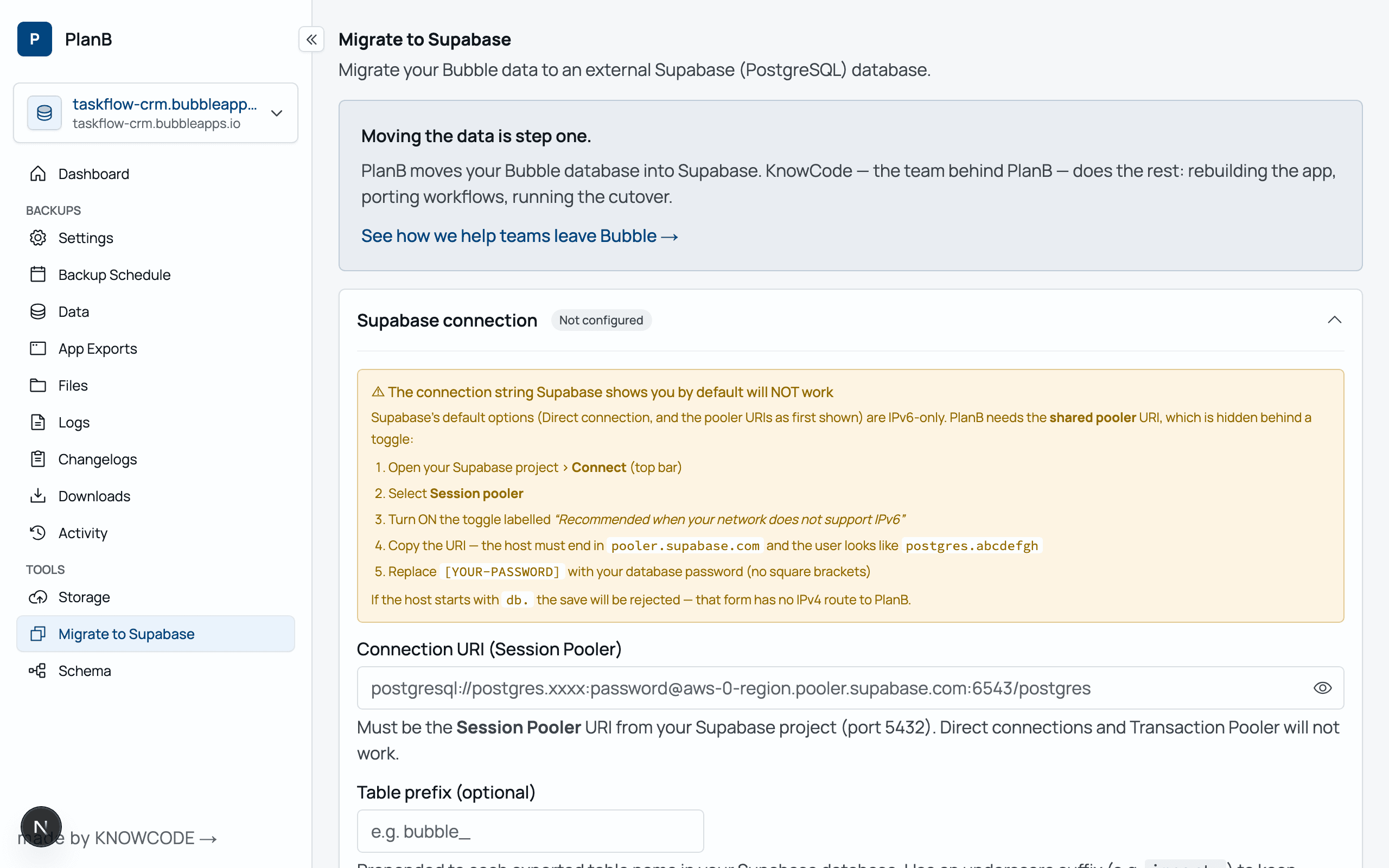
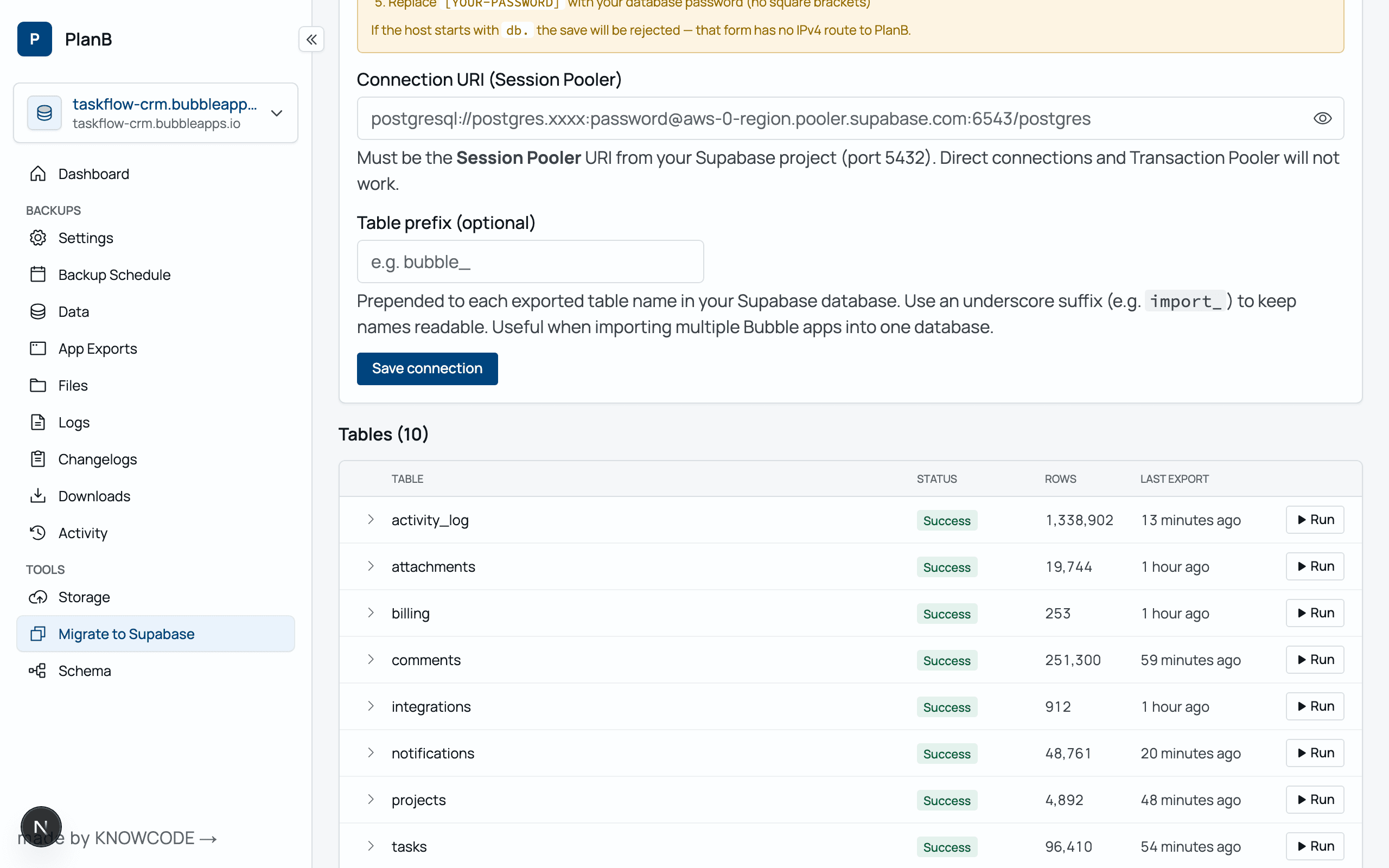
There are cases where the Bubble Database isn't the right tool for the job. One-click migration creates sensibly named tables and columns, based off your current Bubble table and column names. It then copies the data into the newly created table. For full app migrations — beyond the data — see
knowcode.tech, the consultancy behind PlanB.
How do I backup to my own AWS S3 Bucket?▶
Create an AWS S3 bucket in the region you desire. Add the bucket name to your config. Add an ACL policy to your bucket — see the AWS documentation for configuring bucket policies for cross-account access.
Is PlanB GDPR compliant?▶
Yes. planbbackups.io is fully committed to compliance with the General Data Protection Regulation (GDPR). We ensure that all user data is processed securely, transparently, and in accordance with GDPR guidelines. Your data is securely stored within your own Bucket in your selected AWS location. planbbackups.io employs industry-leading encryption, regular security audits, and strict access controls. planbbackups.io does not sell your personal data. Contact us at
[email protected] for data access or deletion requests.
How in the CSV exports do Bubble Things get linked to one another?▶
When the Bubble data is exported to a CSV file, the references to other Bubble objects appear as unique ids. And when these CSV files are restored, because of the column type is a custom type Bubble understands these are object references and connects the type.
How do I export all my files stored in Bubble — out of Bubble?▶
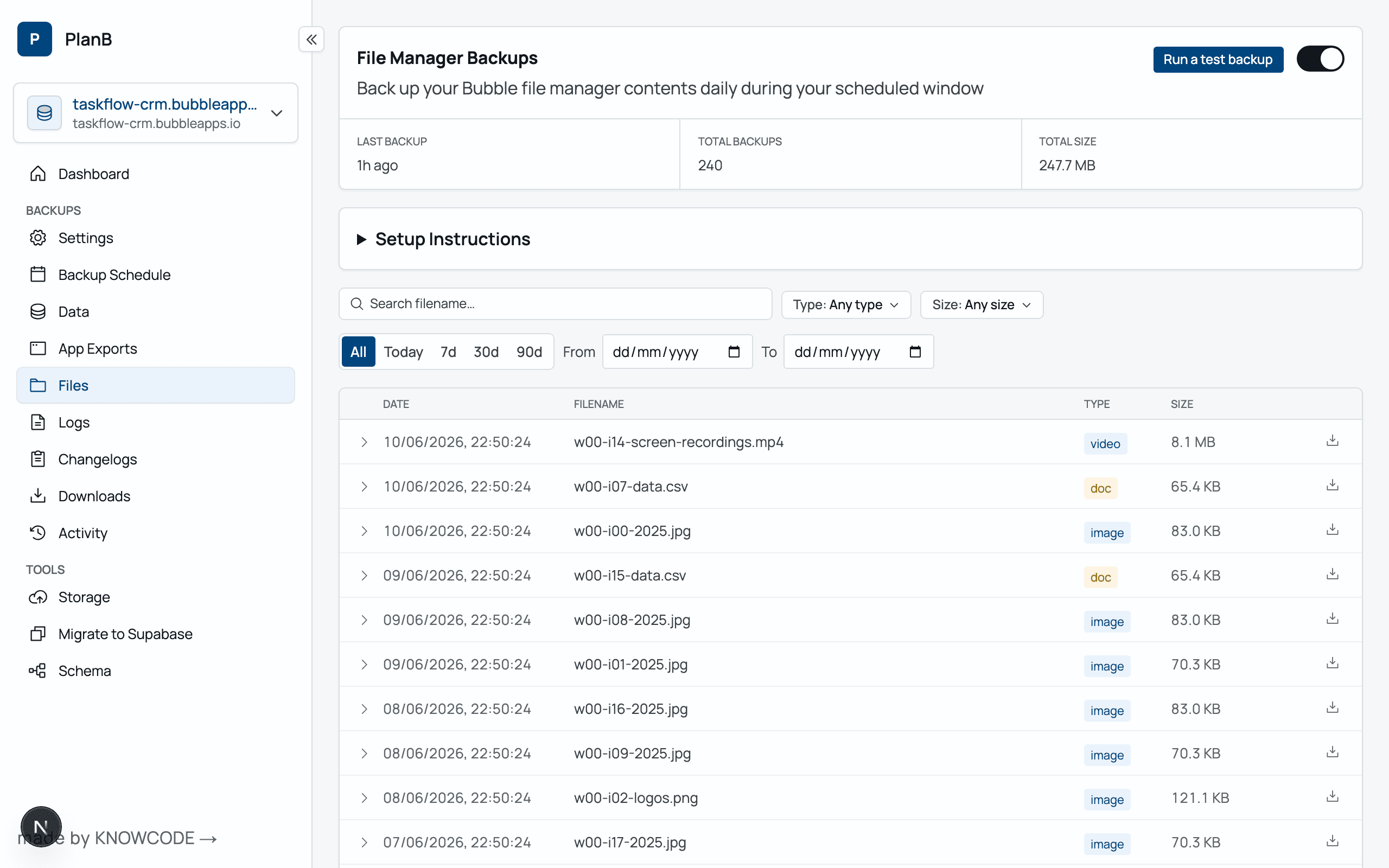
PlanB can access the Bubble File Manager. It streams out all the files in your Bubble storage to your own external Bucket storage.
How do I restore only records back to a certain date?▶
The files extracted are CSV files — all Bubble exports have a 'when created' column. You can edit the CSV files to only include the records with the dates you desire. (or any other criteria, for example account id)
How do I restore CSV files in Bubble?▶
It's built into the Bubble Editor. See the Bubble manual for importing data via CSV.
Does it work with Enterprise instances?▶
Yes. PlanB works fine with Enterprise instances.